Background Swap
Put your product anywhere — a marble kitchen, a beach at golden hour, a studio sweep — with lighting and shadows that match the new scene.
JPG, PNG or WebP. Free to try, no design skills needed.
How to use the Background Swap
1. Upload your product photo
Any photo works — even one taken on your phone.
2. Describe or pick a scene
Type the background you want, or use a reference image for an exact match.
3. Download the new shot
The AI relights your product to fit the scene. Export in full resolution.
What the AI studio makes from one product photo
The free tools handle quick edits. The studio generates the whole scene — backgrounds, lighting, models and hands — from a single upload.
-p-1080.webp)
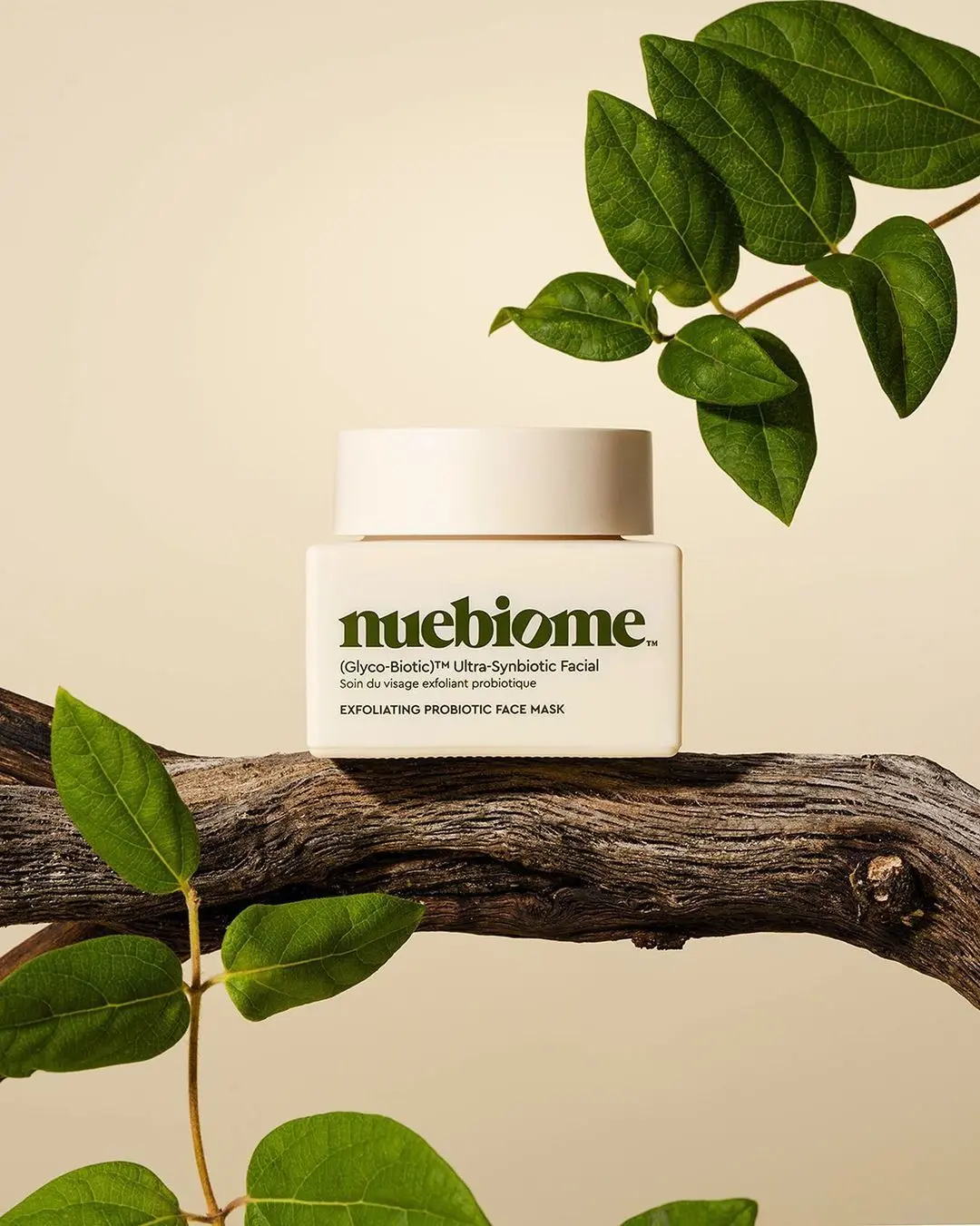
Matched lighting & shadows
The product is relit for the new background, so nothing looks pasted on.
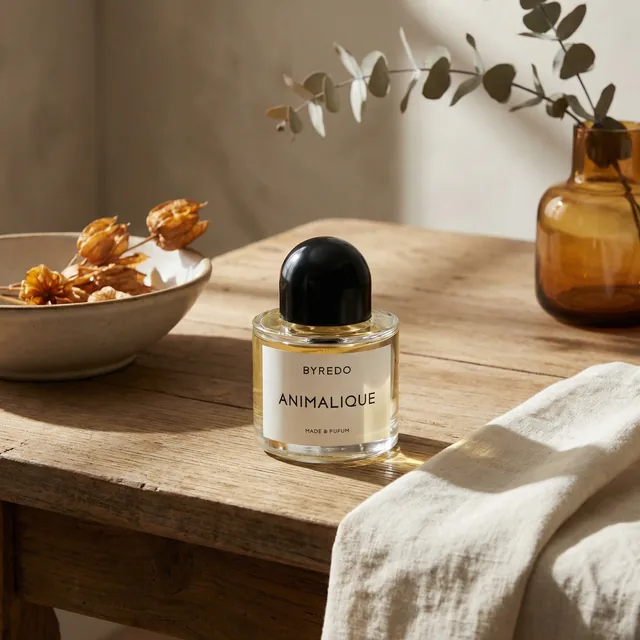
Any scene you can describe
From clean e-commerce white to lifestyle scenes — just type it.
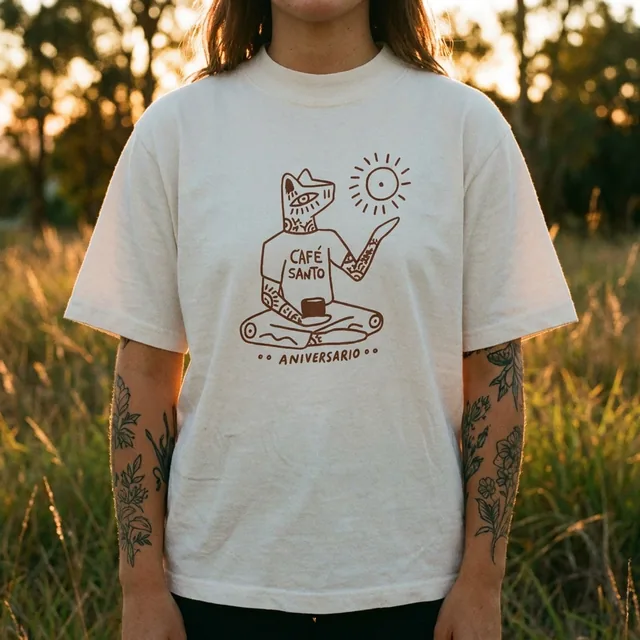
Reference-image control
Upload a scene photo and the AI recreates your product inside it.
Free to try
Swap backgrounds for free — upgrade for batch volume.
Keep improving your product photos
Learn the AI product-photo workflow, try another free tool, or work out what a shoot would cost.
Common questions
Is the background swap free?
Yes — swap backgrounds for free. Paid plans add volume and the full studio.
Do I need a green screen?
No. The AI separates your product from any background automatically.
Will shadows look real?
Yes — the scene is generated around your product with matched lighting, shadows and reflections.
Can I reuse the same scene for many products?
Yes — save the scene as a template and apply it to your whole catalog in the studio.